
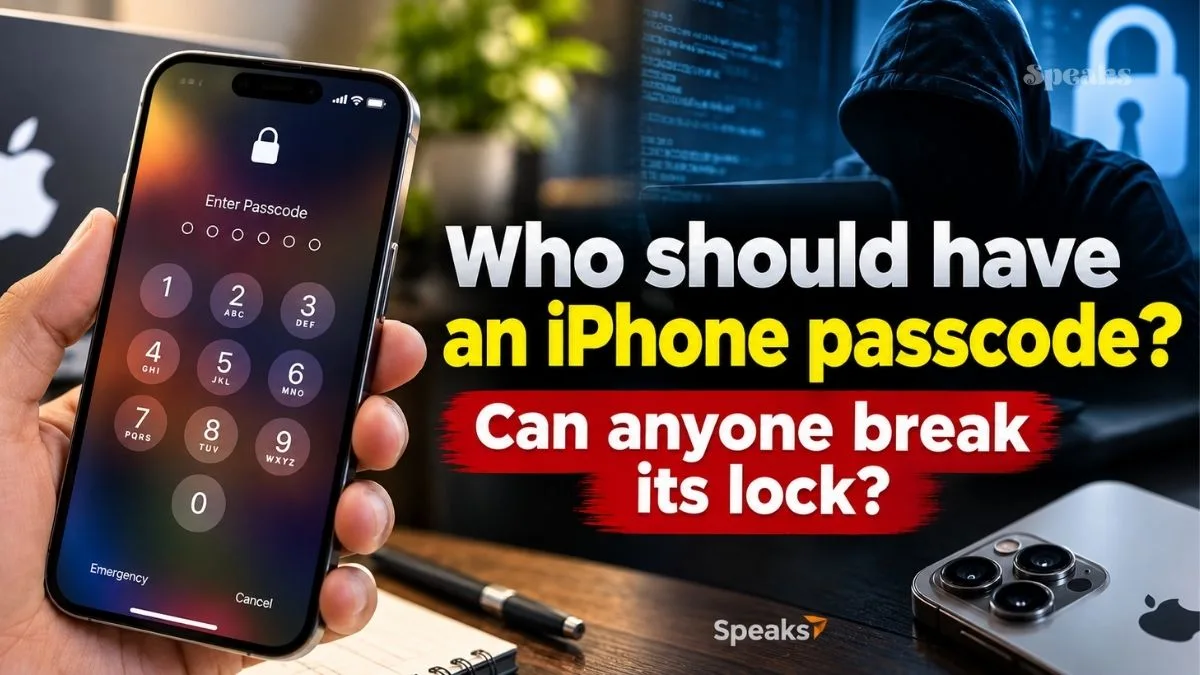
Amid the investigation into the death of IIT-Bombay student Sahil Wakode, his iPhone 17 could become a vital digital piece of evidence for the police. But having a passcode lock on the phone has created a major technical challenge for the investigating agencies. According to reports, even Sahil’s acquaintances did not know the phone’s passcode. In such a situation it is not easy to access the data inside the phone.
In such a situation, this also raises an interesting question that ultimately, who should know the iPhone passcode? Can Apple or even the police unlock the phone without a passcode? And if one’s own iPhone is locked, how can it be used again? Let us tell you the answer to every question that comes to your mind.
Why iPhone passcode is so important?
Passcode in iPhone is not only a way to lock the screen. This is an important part of protecting the data present in the phone. According to Apple, setting a passcode activates the iPhone’s data protection system and some data is protected by encryption.
This is the reason why it is not easy to read the personal information inside the phone even if the phone reaches another person. Face ID or other biometric features provide convenience, but in some cases iPhone asks for the passcode again. For example, a passcode may be required after the phone restarts.
Should family or friends know the passcode?
Let us tell you that there is no single rule for this. Passcodes are private security information and generally do not need to be shared with anyone. However, people can decide to share the passcode with a highly trusted person as per their needs. But one thing to understand here is that someone having the passcode and having legal permission to view the phone data are two different things. Therefore, recording the passcode and keeping it open or sharing it with many people can increase the security risk.
What to do if your iPhone is locked?
If a person doesn’t remember his own iPhone’s passcode, the official way from Apple is to reset or erase the phone. In newer iOS versions, under certain circumstances, the device can be reset via the forgotten passcode option from the lock screen. For this, conditions such as Apple account information and already active Find My may apply. Keep in mind, this process may wipe the phone’s data and settings. If an existing backup exists, data can be recovered from it after setup.
iPhone can also be restored through recovery mode via computer. But this method isn’t even a way to read old phone data without knowing the lock screen passcode, it’s meant to make the device reusable.
What happens if you enter the wrong passcode repeatedly?
If the wrong passcode is repeatedly entered into the iPhone, its security system is activated. After several wrong attempts, iPhone unavailable or security lockout may appear on the screen. In such a case, it is not possible to unlock the phone by entering the passcode again.
If you don’t remember the correct passcode, you may need to erase or reset the device to use it again. This can be done through iPhone’s available on-screen options, recovery mode or official features like Find My. Keep in mind that erasing a device removes all data on it. If you already have a backup in iCloud or on your computer, you can restore data from that backup during setup.
If you forget the passcode, you can reset it from iPhone itself.
If you forgot your iPhone passcode and looking for forgotten passcode? If the option appears, the phone can be wiped directly from the lock screen in some circumstances.
This process usually requires Apple account information and password. After the identity is confirmed, the iPhone can be erased and set up again. This method is to reset the phone by removing the old passcode, so it can erase the current data on the device.
Clear data stored away from Find My
The Find My feature is very useful if the iPhone is lost or stolen. If Find My is already activated on your device, you can choose to remotely erase it from another Apple device or through the Find My service. After receiving the erase command, the iPhone erases the data on it as soon as it connects to the Internet. This feature is mainly designed to prevent the personal information present in the phone from falling into the hands of another person.
However, one important thing to understand here is that the purpose of remote erase is to erase data, not to delete old data from a locked iPhone. So, the phone has to be reset after this process.
Restore via computer from recovery mode
If the iPhone is not used normally or the device is locked due to a passcode, recovery mode is an official option. For this iPhone has to be connected to Mac or Windows PC with USB cable and put into recovery mode. After this, restore option can be selected through Finder on Mac or Apple Device app on Windows PC. This reinstalls the iPhone’s software and returns the device to a factory-reset state. Note that restoring from recovery mode erases the phone’s existing data. Therefore, if important photos, files or other information are not already saved in iCloud or other backup, it may not be possible to recover them.
You search on Google for free, so how does a company make billions? Understand the whole earning game


